1.1 Access and Login:
To open homepage of the system, the user must use any web browser (Internet Explorer, Mozilla Firefox, Google Chrome etc.). Click icon on desktop or click start menu and then click the icon for the web browser installed on the computer.
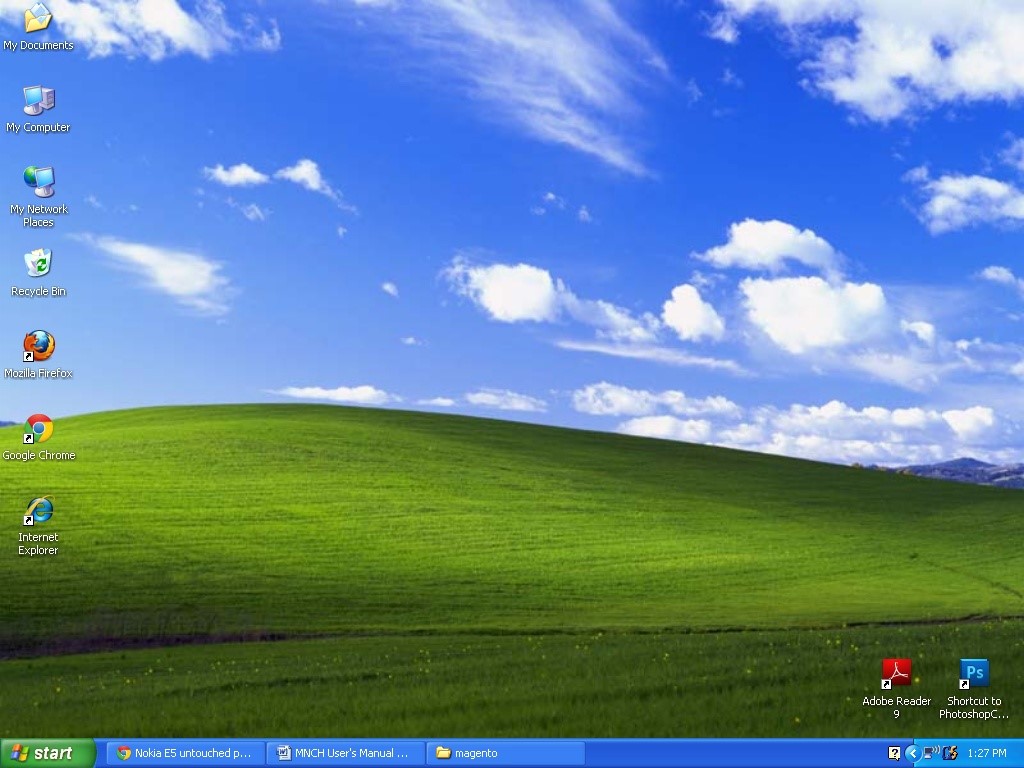
This will open a new browser window as shown in the figure below and here user can type the following address: http://jordan.pacemis.com in the address bar. Only authorized users can use this system, user needs to login on the system. Here user must enter his/her credentials and click on login button to get access to this system.